You decide who brings your children home
Add the people you trust, share a code when plans change, and get a message the moment your child is handed over. Simple for you, careful for them.
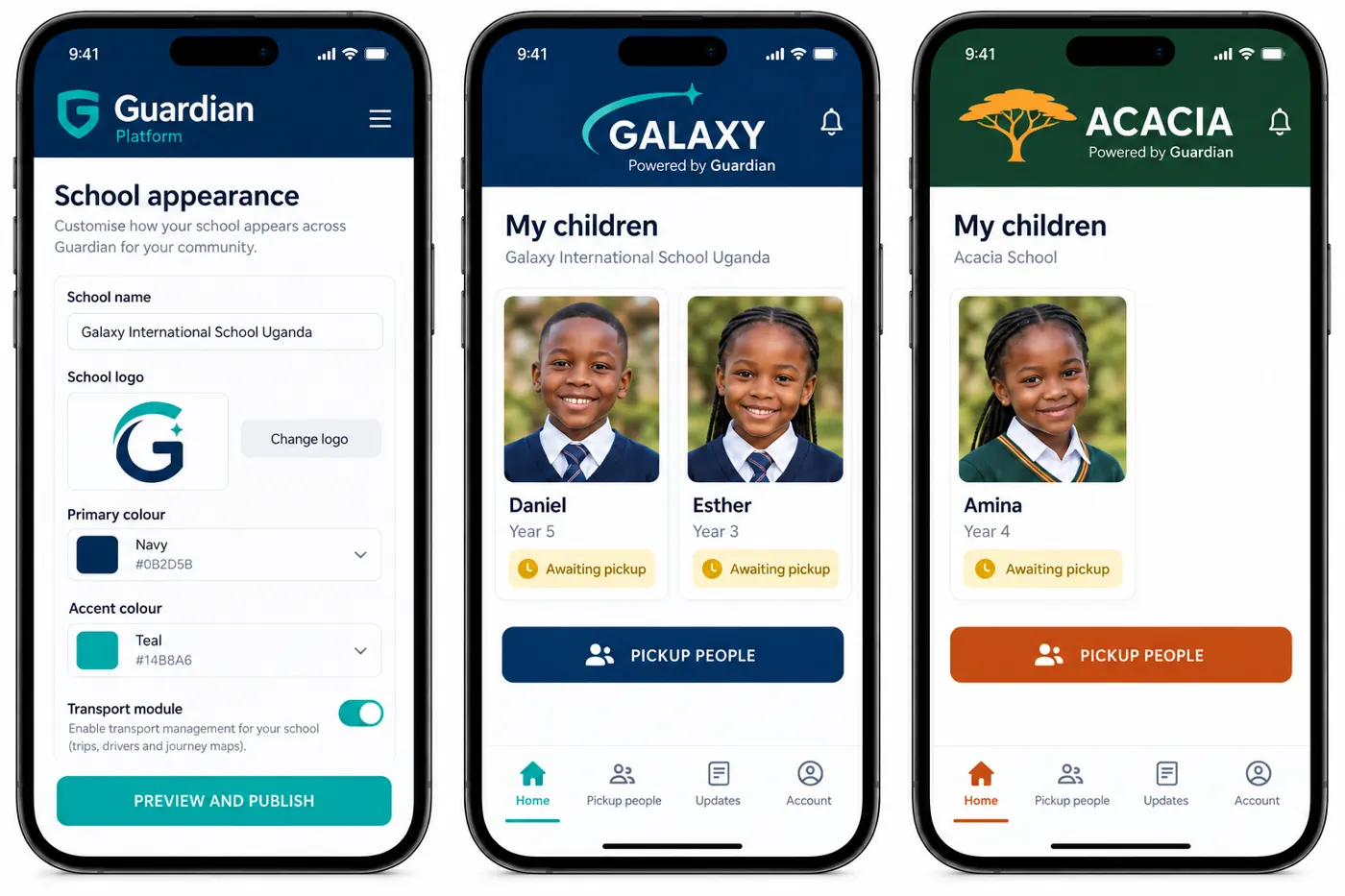 Illustrative data
From the school run to the front door
A real afternoon, when plans change and Aunt Grace collects Esther.
- Morning
Plans change? Add a pickup person
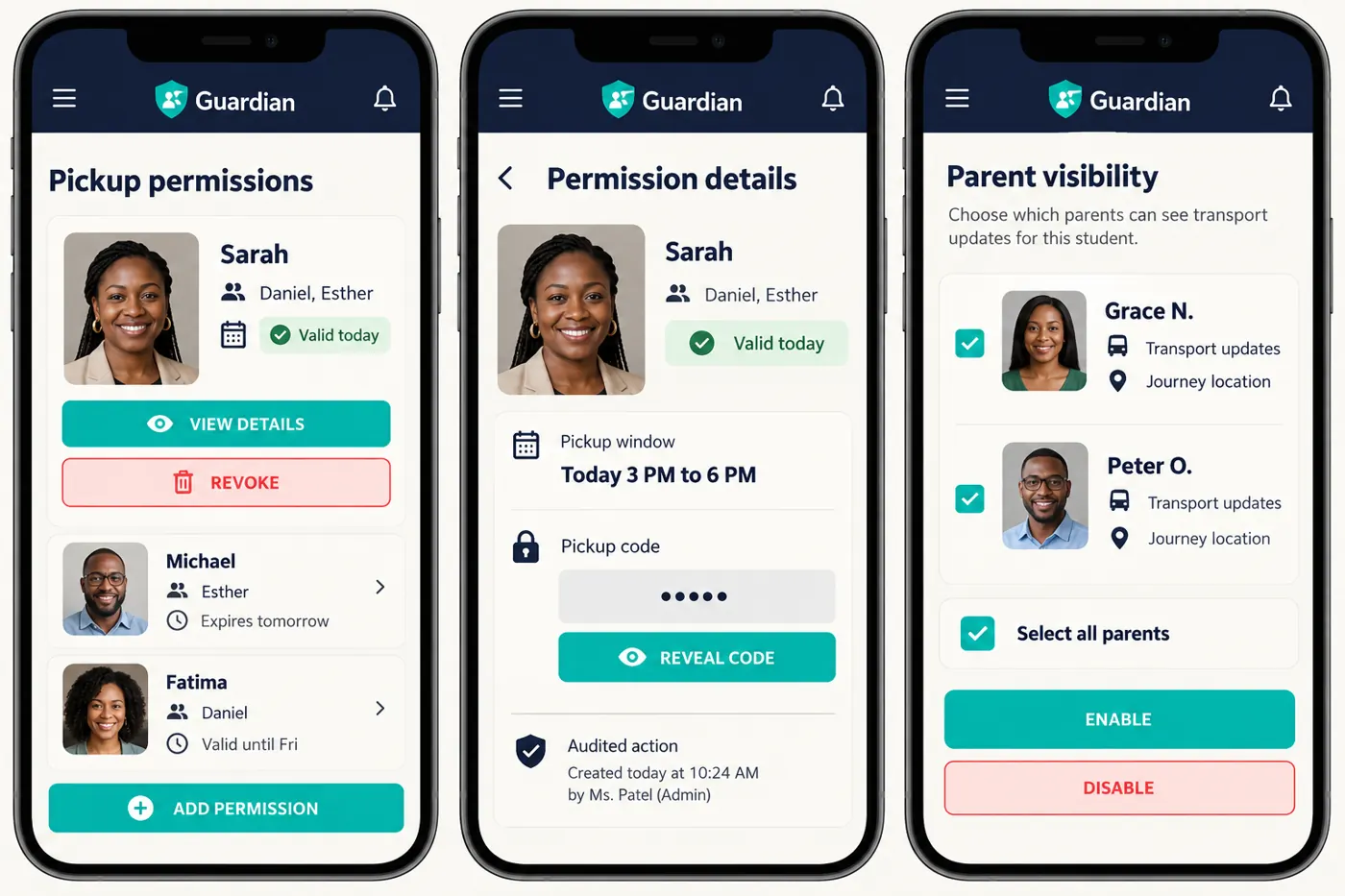
Aunt Grace collecting today: add her name, phone and photo, choose the children and today's date. Guardian gives you a five-digit code to send her.
- 3:30 PM
She gives the code at the gate
Staff see Grace's photo and only the children she may collect. They compare her face to the photo before releasing anyone.
- 3:42 PM
You get a message
"Esther was handed to Grace at the main gate." The record is kept, with who released her and when.
- Evening
Confirm she is home
Tap to confirm arrival, or report a concern straight to the school if something is not right.
 Illustrative data
Trusted adults, on your terms
- Regular or temporary. Every weekday for the nanny, or just this Friday for a neighbour.
- Only the children you choose. One permission can cover several siblings.
- Revoke any time. The code stops working immediately.
- You own the details. Pickup people cannot change their own name or photo.
Less worry, more certainty
All your children
Siblings at the same school appear together. Children at different schools each have their own school workspace.
School van updates
When your school allows it, see when your child boards the van and when they are on the way.
Raise a concern
Something does not feel right? Report it to the school privately from your child's page.
Questions from families
Want Guardian at your child's school? Tell us which school and we will reach out to them.
I didn't get an invitation. How do I join?
Ask your school's office to invite you. Guardian is invitation-only so that only verified parents can see their children.
Is the pickup code a password?
No. A code only finds a permission you created. Staff still check the person's photo before releasing a child, and the code shows nothing to anyone outside the school gate.
Who can see my children's details?
You, and the staff at your children's school whose duties need it. Other parents never see your children, even on a shared school van.
Does it cost anything for parents?
Guardian is provided through your school. Ask your school about any costs.
Got an invitation from your school?
Open the link in your email and set up your account in two minutes.